CupertinoSwitch
An iOS-style switch.
Used to toggle the on/off state of a single setting.
A toggle represents a physical switch that allows someone to choose between two mutually exclusive options.
For example, "On/Off", "Show/Hide". Choosing an option should produce an immediate result.
Examples
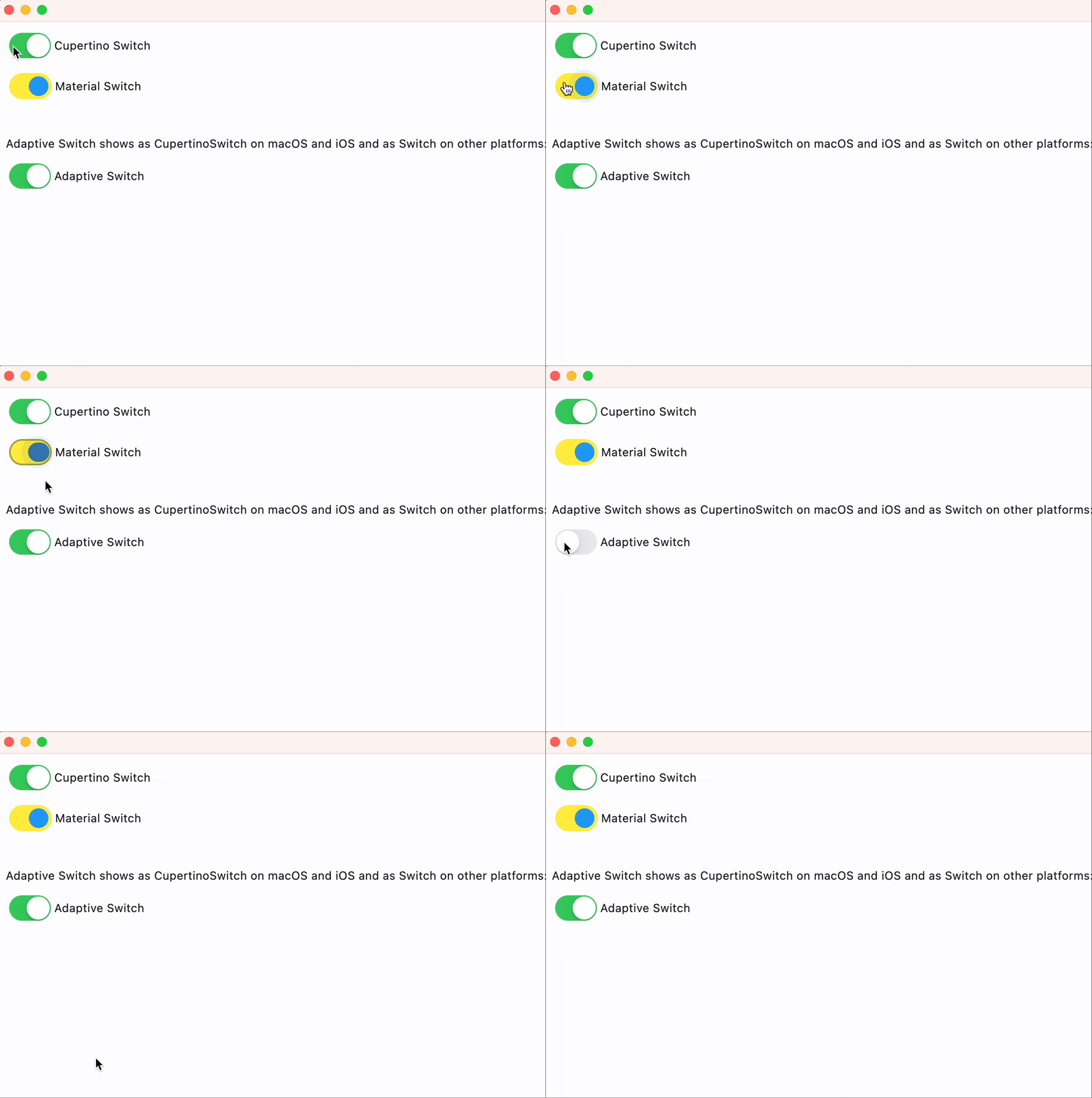
CupertinoSwitch and adaptive Switch
- Python
import logging
import flet as ft
import asyncio

logging.basicConfig(level=logging.DEBUG)


def main(page: ft.Page):
    page.add(
        ft.CupertinoSwitch(
            label="Cupertino Switch",
            value=True,
        ),
        ft.Switch(
            label="Material Switch",
            value=True,
            thumb_color={ft.ControlState.SELECTED: ft.colors.BLUE},
            track_color=ft.colors.YELLOW,
            focus_color=ft.colors.PURPLE,
        ),
        ft.Container(height=20),
        ft.Text(
            "Adaptive Switch shows as CupertinoSwitch on macOS and iOS and as Switch on other platforms:"
        ),
        ft.Switch(
            adaptive=True,
            label="Adaptive Switch",
            value=True,
        ),
    )


ft.app(main)
Properties
active_color
The color to use for the track when the switch is on.
autofocus
True if the control will be selected as the initial focus. If there is more than one control on a page with autofocus set, then the first one added to the page will get focus.
focus_color
The color to use for the focus highlight for keyboard interactions.
label
The clickable label to display on the right of the switch.
label_position
The position of the label relative to the switch.
Value is of type LabelPosition and defaults to LabelPosition.RIGHT.
off_label_color
The color to use for the accessibility label when the switch is off.
on_label_color
The color to use for the accessibility label when the switch is on.
Defaults to cupertino_colors.WHITE.
thumb_color
The color of the switch's thumb.
track_color
The color to use for the track when the switch is off.
value
Current value of the switch.
Events
on_blur
Fires when the control has lost focus.
on_change
Fires when the state of the switch is changed.
on_focus
Fires when the control has received focus.